
Motion Editor

A simple way to change one moment in a video without rebuilding the whole clip.

Video editingPrecise editsComfyUIBreadbox
current - active prototype
Active Prototype

Motion
Editor

Control motion in a video clip, using mouse, not prompt.

Motion Editor lets you replace a specific few seconds of a clip without touching the rest. Mark the range, drag the motion controller to set the feel, and a new clip is generated and stitched back in — no text prompt needed.

Elastic
Linear
Ease in
Why it exists

AI video tools are built for generating from scratch. Fixing one moment in an existing clip is harder.

I wanted to fix specific moments without rebuilding the whole clip. You mark the bad segment, drag to show where the motion should end, and the model regenerates just that part.
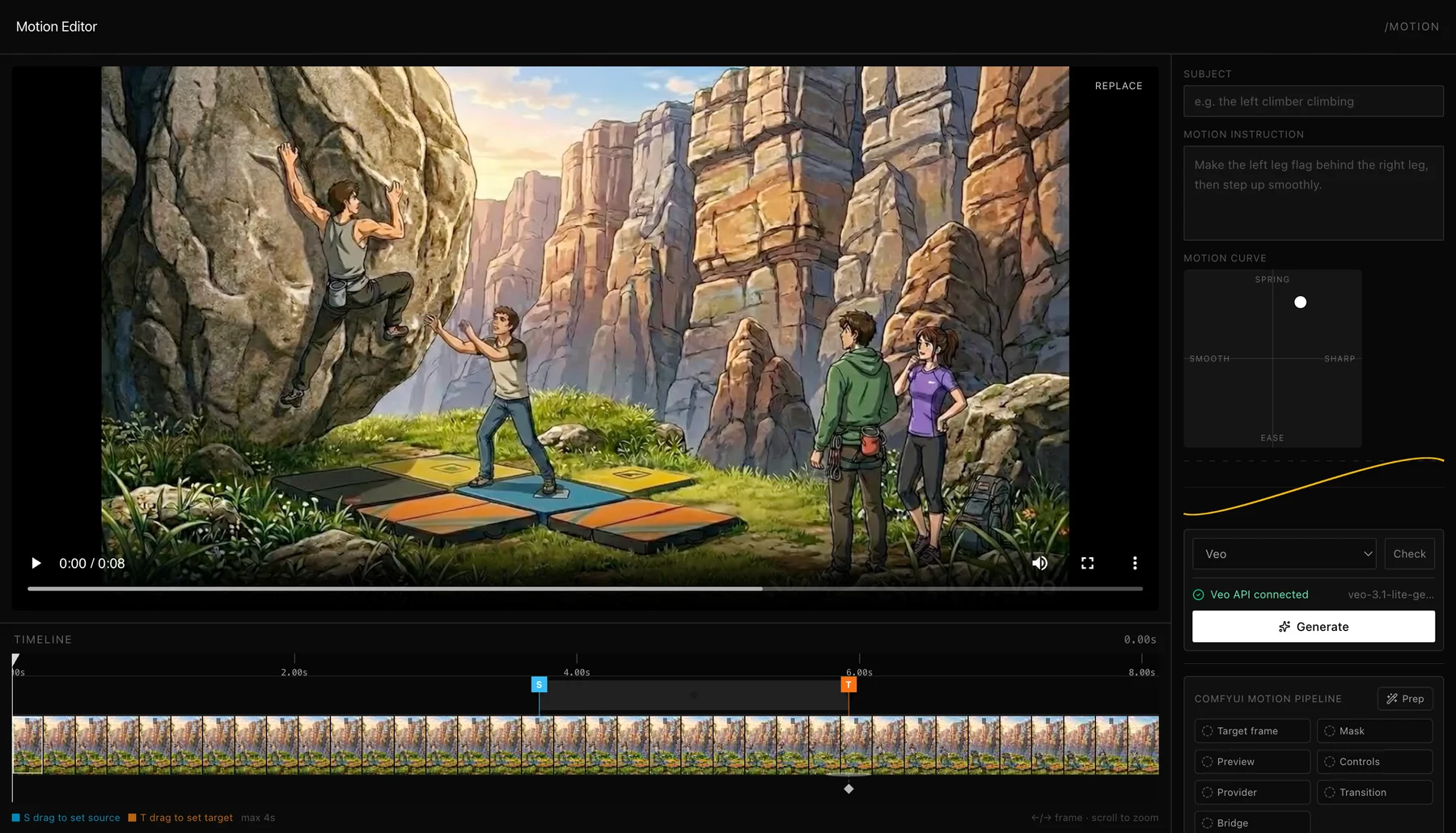
Motion Editor interface with video preview, timeline, motion controls, and generate panel
01
Open a clipStart with an existing video in the editor.
02
Mark the segmentDrag the timeline handles to select the few seconds you want to replace.
03
Show the new endingDrag to place where the subject should land. The model uses that as a target.
04
firstlast
Extract boundary framesThe first and last frame of your selection guide the AI on where to start and end.
05
slot4s Veo
Generate a new clipAI generates 4 seconds of motion between those two frames.
06
Stitch it back inThe new clip is sped up to match your selection, then spliced into the original video.
Under the hood

Hosted ComfyUI runs beside the API.

A hosted API talks to a hosted ComfyUI worker, so previews and motion prep can run behind the page while the user stays in one editor.
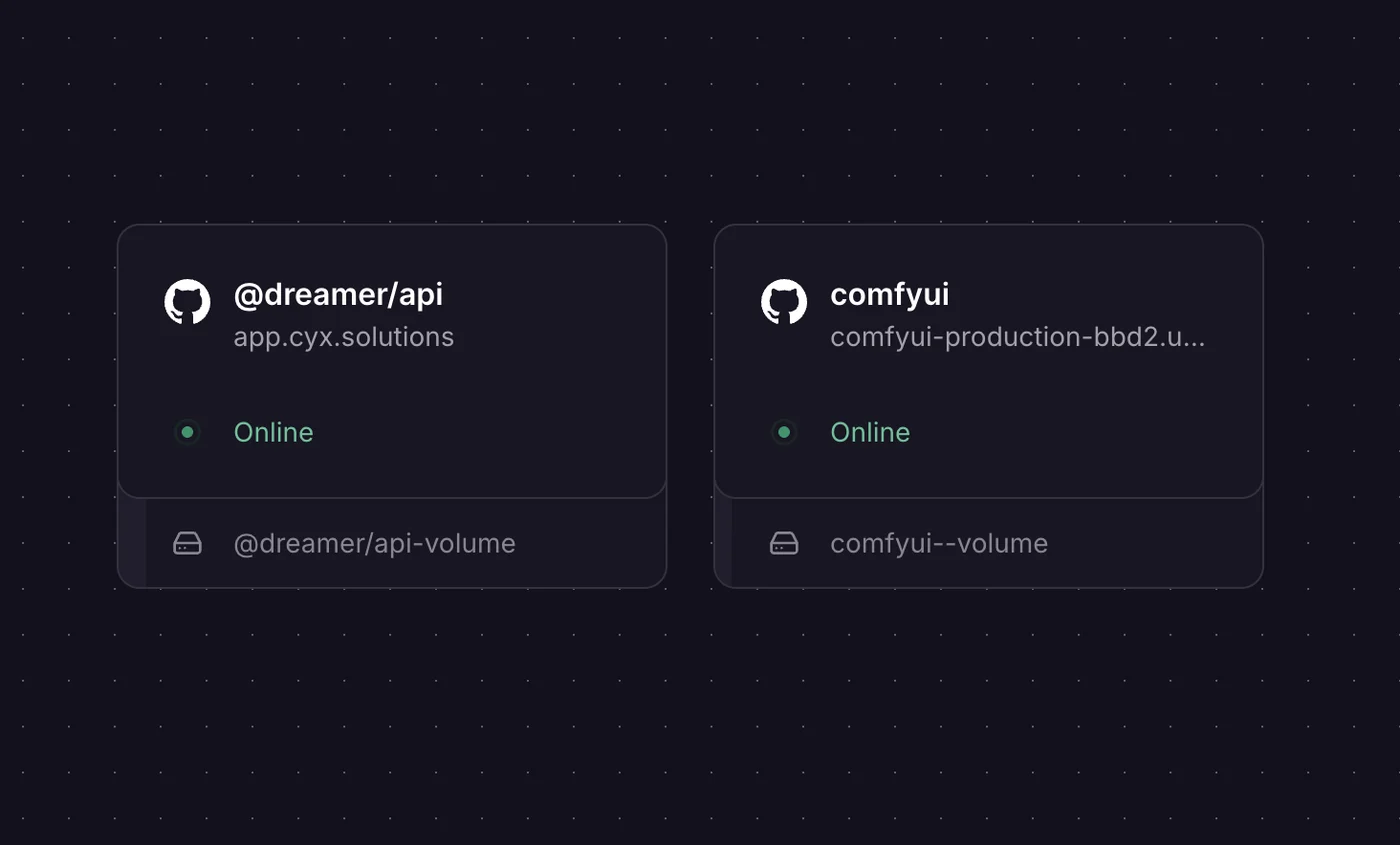
Hosted Breadbox API and ComfyUI services online
How it feels

Three moves, one fixed moment.

01

Mark the bad segment

Scrub the clip and select the few seconds you want to replace. Nothing else in the video changes.

startendshort insert
timeline
02

Control motion without prompting

Drag the controller to dial in the feel. No need to describe it in text — sharp, smooth, springy, or eased, you just show it.

smoothsharpspringease
ending
03

Generate slow, stitch to fit

AI generates 4 seconds of slow-motion between your boundary frames, then it's sped up to match the exact length you selected and spliced back in.

first frameslow motionslot length / 4s
generate
Why slow motionselected gap ÷ Veo length = playback speed
normal speed
slow motion

Slow generation gives the editor extra frames to compress. The motion keeps the same first and last frame, but lands inside the user's selected slot.